Audio-Device Routing
Choose your Mac audio interface in the application’s audio settings and route a live source into the unit. Check your interface and application routing before monitoring.
Available Mac packages include standalone applications alongside plug-in formats. Select an audio device to process its input without opening a DAW. Field Mixing Unit, Field Mini, Deluxe Mastering Classic and Deluxe Mini Classic also include a file playback and export workflow; the separate units use their own audio-device interfaces. Check each download for its formats and system requirements.
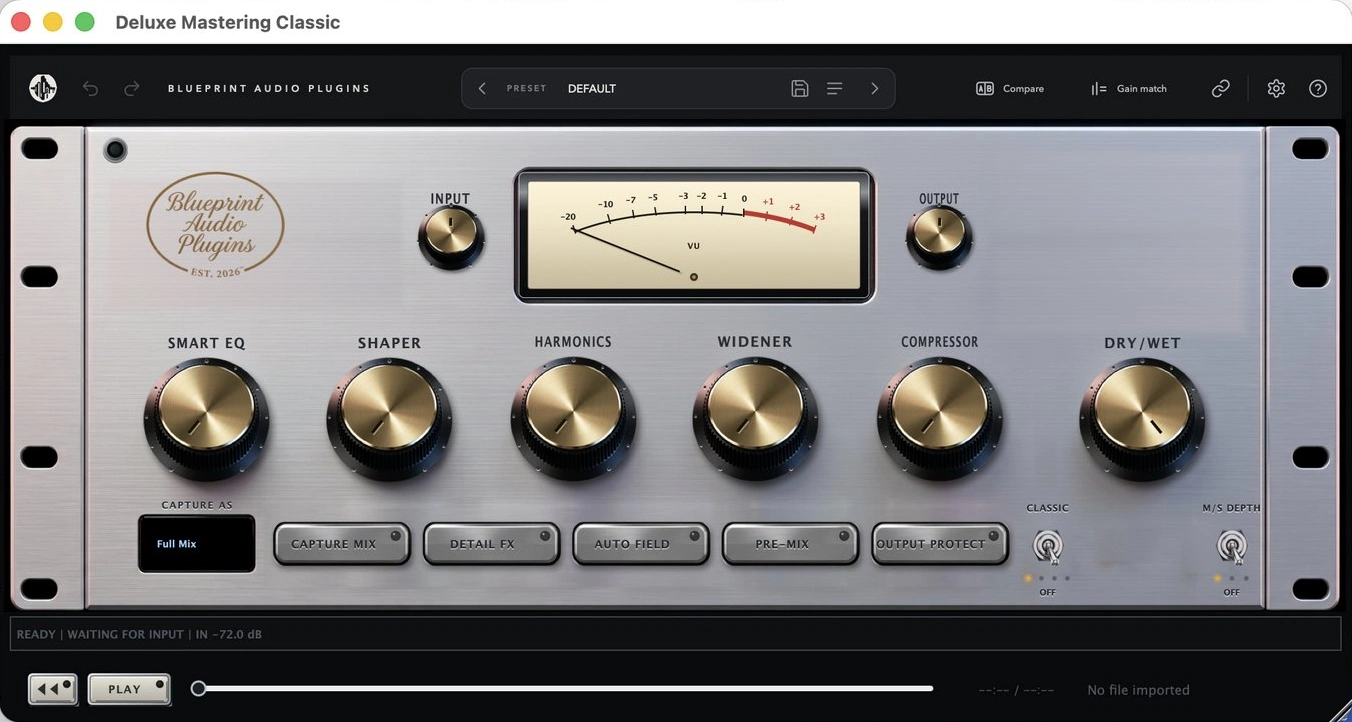
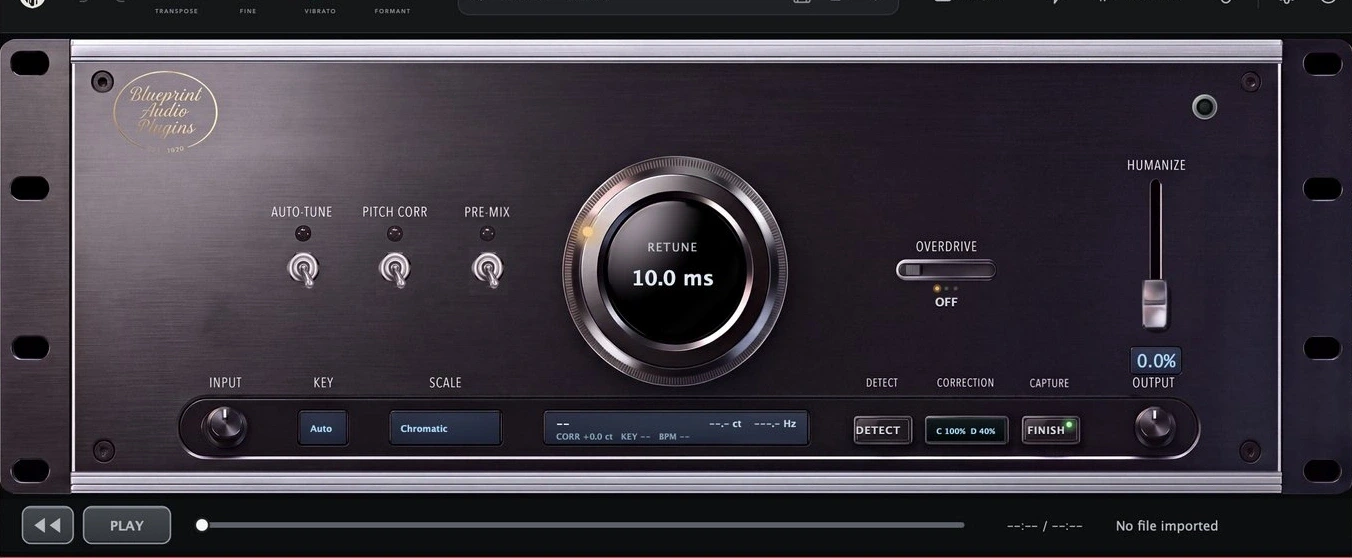
Extra Features in the Standalone Units
Standalone applications give you the unit’s controls in a dedicated window. Audio-device buffers and processor latency still apply.
Choose your Mac audio interface in the application’s audio settings and route a live source into the unit. Check your interface and application routing before monitoring.
Field Mixing Unit, Field Mini, Deluxe Mastering Classic and Deluxe Mini Classic can load a supported audio file and play it through their shared processor. Use the transport and playback position controls to audition changes.
A dedicated window keeps the unit’s controls in view. Check input and output gain, listen to the same passage, and compare at a matched listening level.
The Field and Deluxe families include file conversion and processed export controls. Choose a supported format and encoding in the FILE panel. For the other units, use your DAW to render the plug-in’s output.
The Dual-Environment Workflow
Choose a standalone application or a DAW insert according to your source and the controls you need.
In Field Mixing Unit, Field Mini, Deluxe Mastering Classic or Deluxe Mini Classic, load a source file to audition settings before bringing it into a session.
Insert Blueprint AAX, AU, or VST3 plugins across tracks and buses inside Pro Tools, Logic, or Ableton.
Bounce your stereo mixdown and open Deluxe Mastering Classic Standalone for the definitive mastering pass.
Feature Breakdown
A unit’s standalone and plug-in formats share its processing controls. File features vary between units; this table identifies the Field and Deluxe family workflow.
| Feature / Capability | Standalone Desktop Unit | DAW Plugin (AAX / AU / VST3) |
|---|---|---|
| DSP Sound Quality | The same unit’s processing controls | The same unit’s processing controls |
| True-Peak Output Protection | Unit-specific true-peak output protection | Unit-specific true-peak output protection |
| Drag & Drop Audio Player | Field and Deluxe families; supported formats vary | DAW track dependent |
| Hardware Transport & Scrubbing | Field and Deluxe families; playback-position control | Controlled by DAW timeline |
| Direct Hardware Interface I/O | Selected Mac audio device | Routed through DAW mixer |
| Multi-Track Automation | Tactile hardware knob control | Full DAW curve automation |
| DAW Latency & Buffer Overhead | Audio-device buffers and processor latency apply | DAW buffers and processor latency apply |
| Included in License | Check the formats listed with your download | Check the formats listed with your download |
Check Downloads for the packages currently available for your unit, then follow the installation instructions supplied with the package.
Get every released Blueprint console, vocal tuner, reverb, sub engine, and loudness unit with All Access Monthly ($29.99/mo)—plus single-plugin 14-day free trials.
Bring your AI-assisted JUCE/CMake source projects or supported macOS builds into Blueprint Hub for neutral engineering checks, antialiasing, and True-P safety.