Get and install
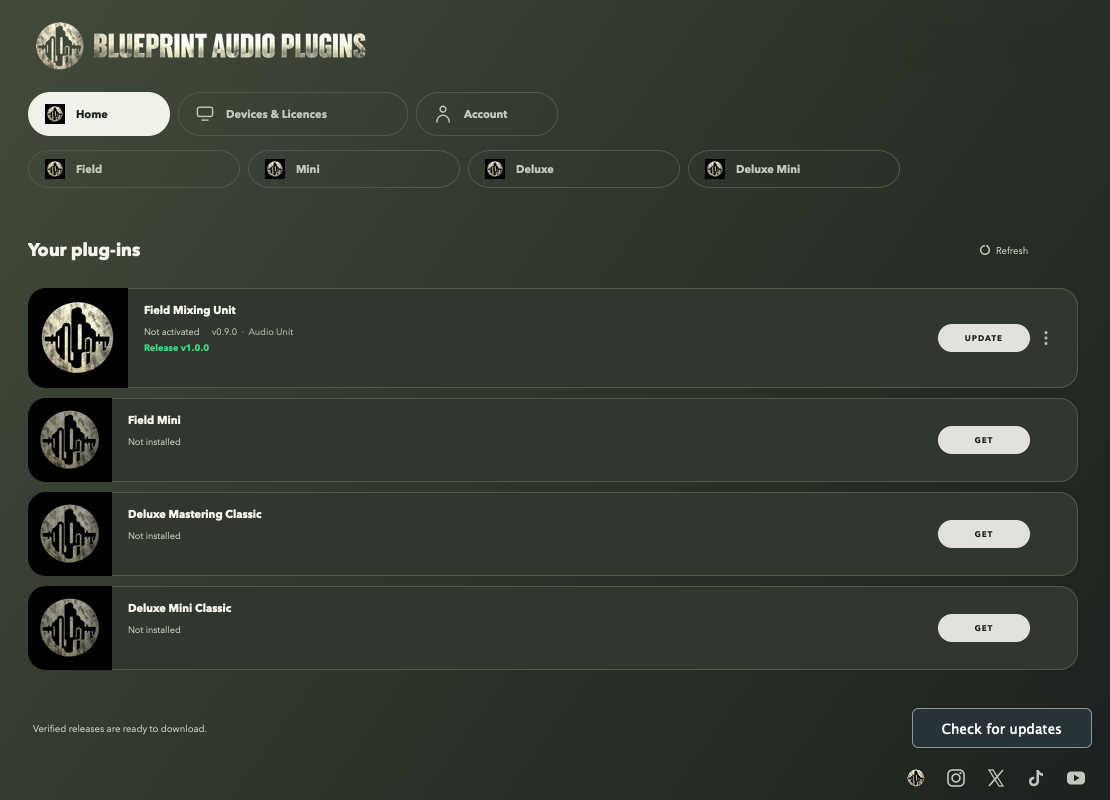
Every unit on your account shows up in the Hub. Press Get and it installs, standalone app and plug-ins together.
Blueprint Audio Hub
Install, update, and activate every Blueprint unit from one Mac app across up to 2 machine seats—free with your Blueprint account.
 CONTINUE SETUP · FREE WITH YOUR ACCOUNT
Blueprint Hub Desktop Portal
Mac Standalone, AU, VST3 & AAX links · Up to 2 Macs per license
What the Hub does
The Hub is where your units live once they are yours: installing them, keeping them current and managing the licenses and Macs they run on.
Every unit on your account shows up in the Hub. Press Get and it installs, standalone app and plug-ins together.
Check for updates finds new releases of the units you own. Only verified downloads are installed, and an interrupted update recovers instead of leaving a broken install.
Monthly and lifetime licenses side by side, with their status and renewal dates.
See which Macs are using each license, and release one to make room for another.
Create a new activation code for a unit whenever you need one. It shows briefly, then hides, and replaces any code you have not used.
Sign in with the same email and password as the website. Billing and signing out everywhere stay on your account page online.
The website catalogue and native Hub installer are separate releases. Check Downloads for published packages; a catalogue entry alone does not mean the Hub can install it.
The Complete Ecosystem
Every Blueprint unit lives inside the Hub. Instant one-click installations, verified automatic delta updates, 14-day trials, and license management across up to two Macs.
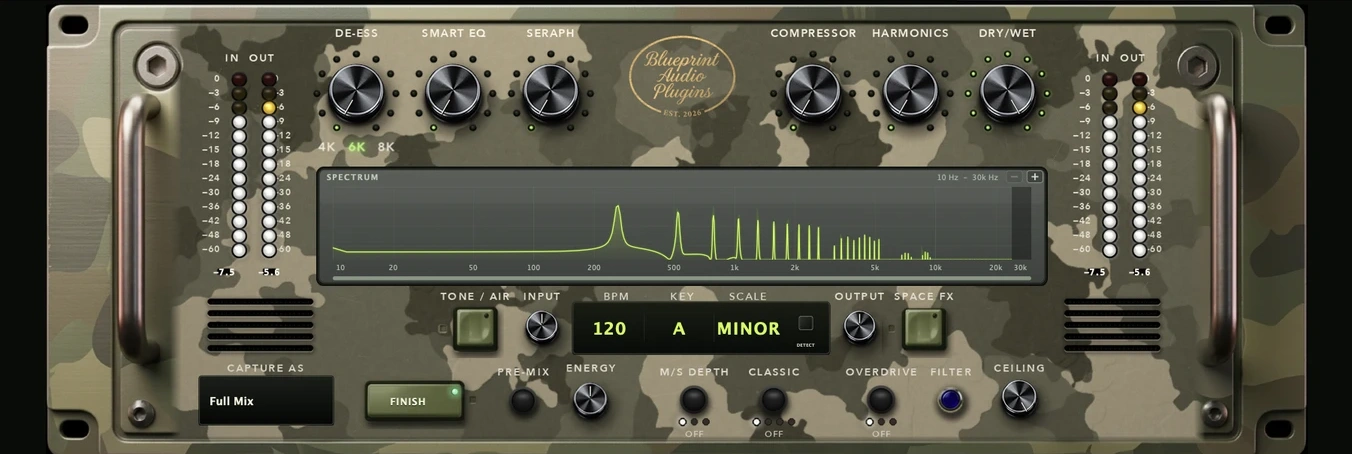
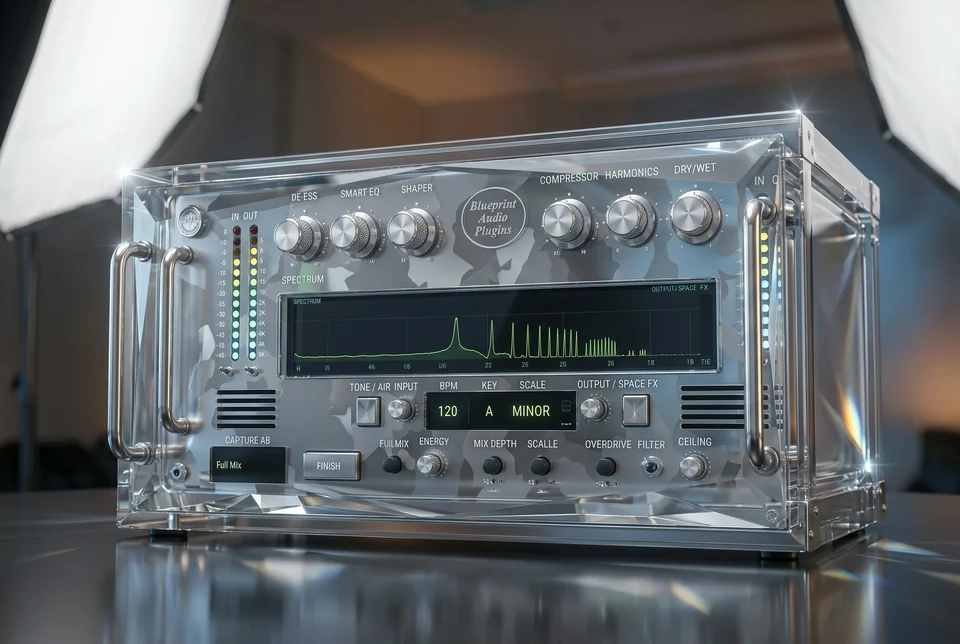
8 capture profiles, 5 tone engines, SERAPH pitch engine, and live spectrum analyzer.
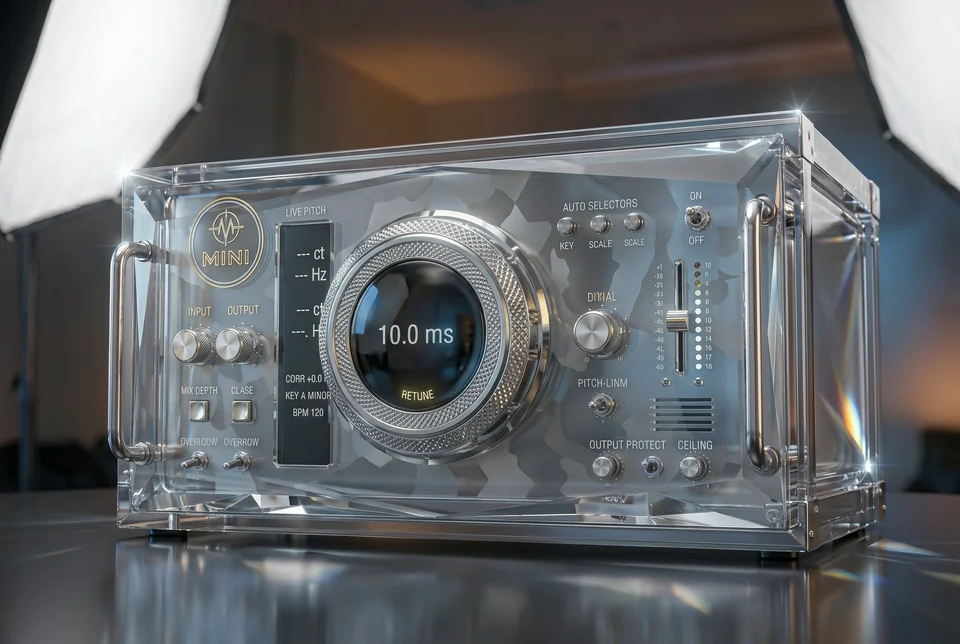
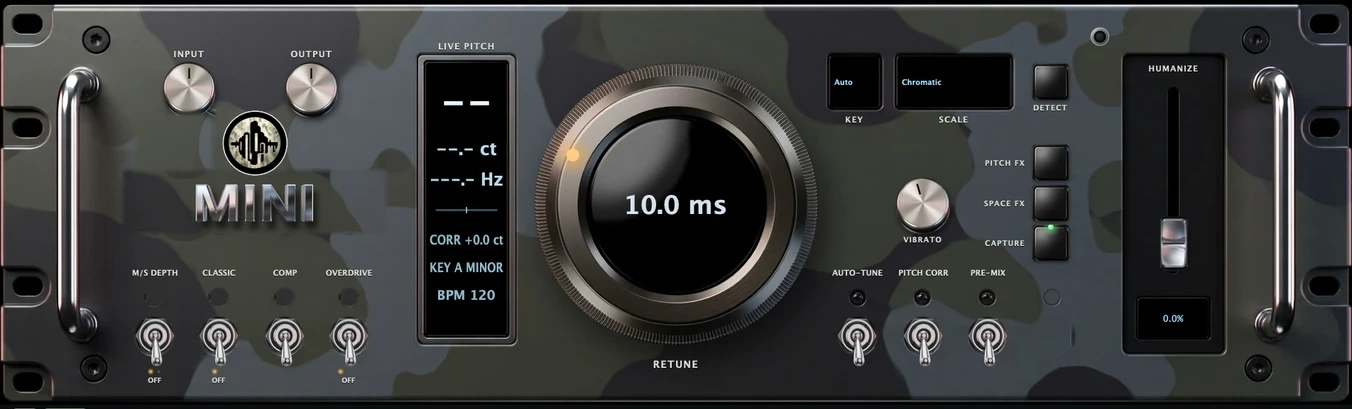
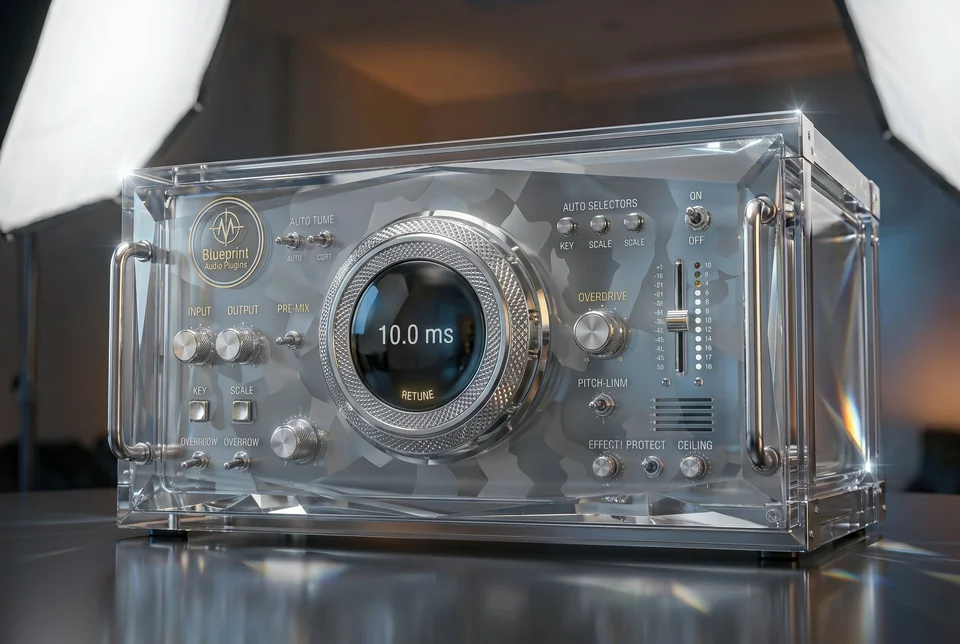
Explore unitInstant retune dial, pre-mix tone shaping, and live pitch tracking telemetry.
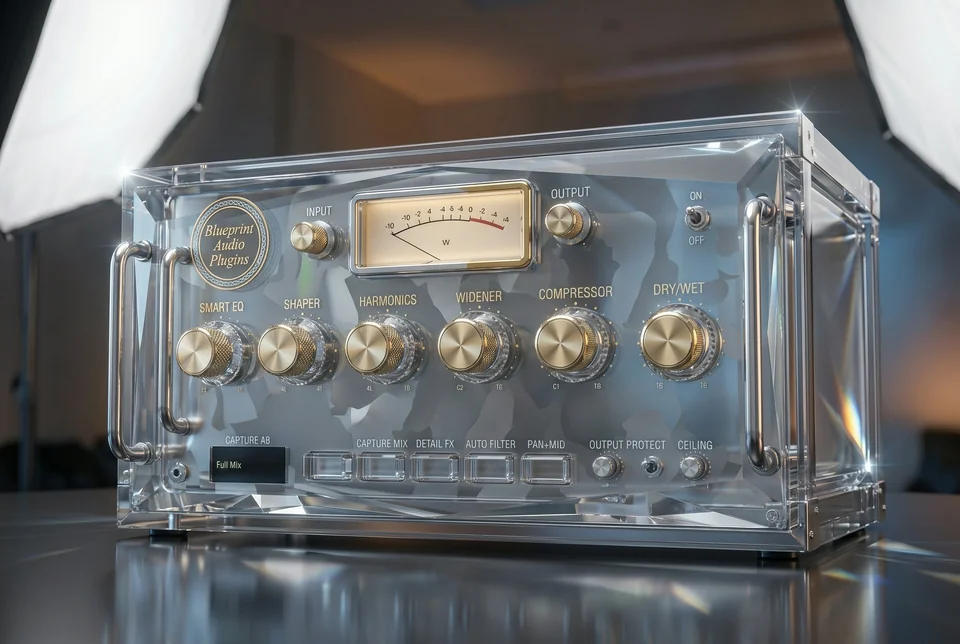
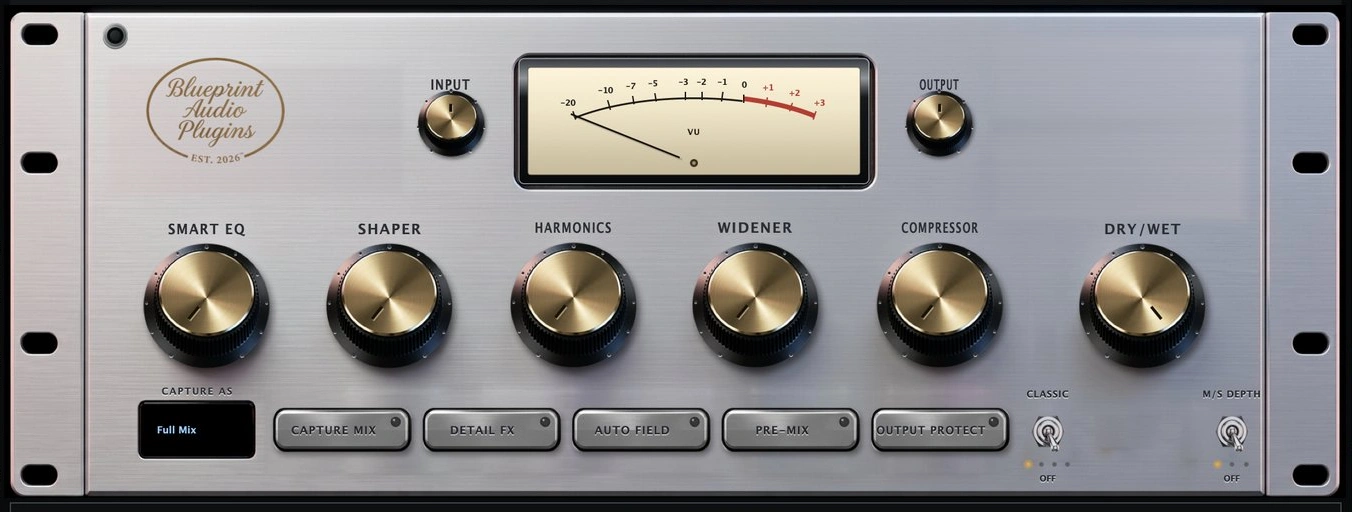
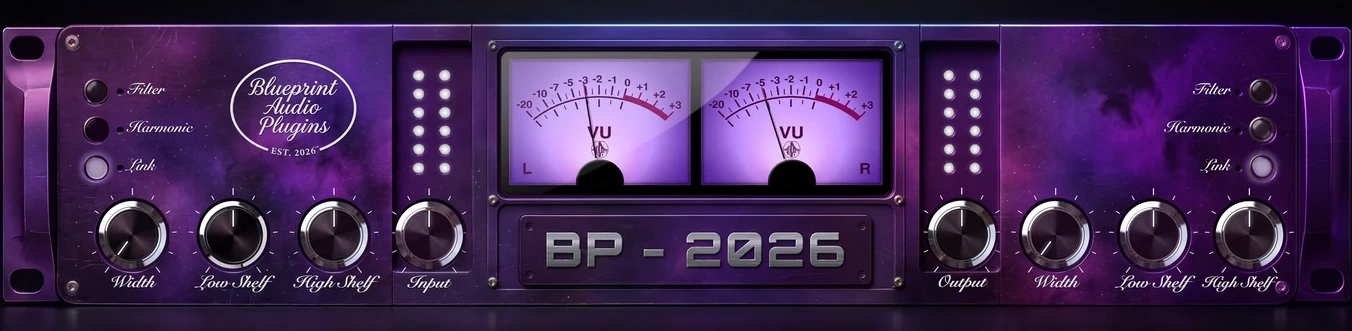
Explore unitWarmth harmonics, analog width stabilization, smart EQ, and precision VU dynamics.
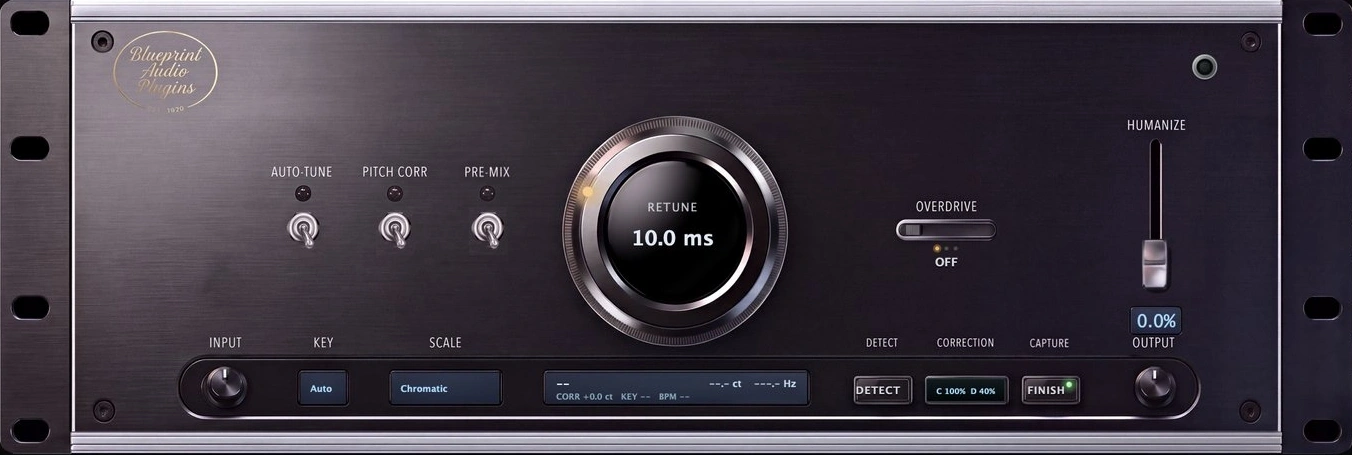
Explore unitDual overdrive modes, humanize contouring, and compact finishing rack.
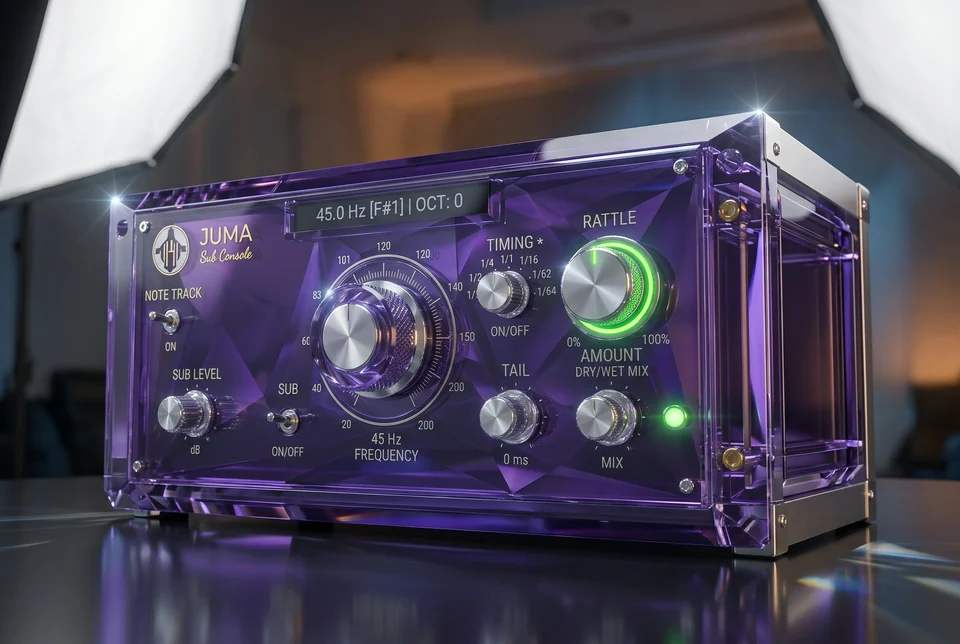
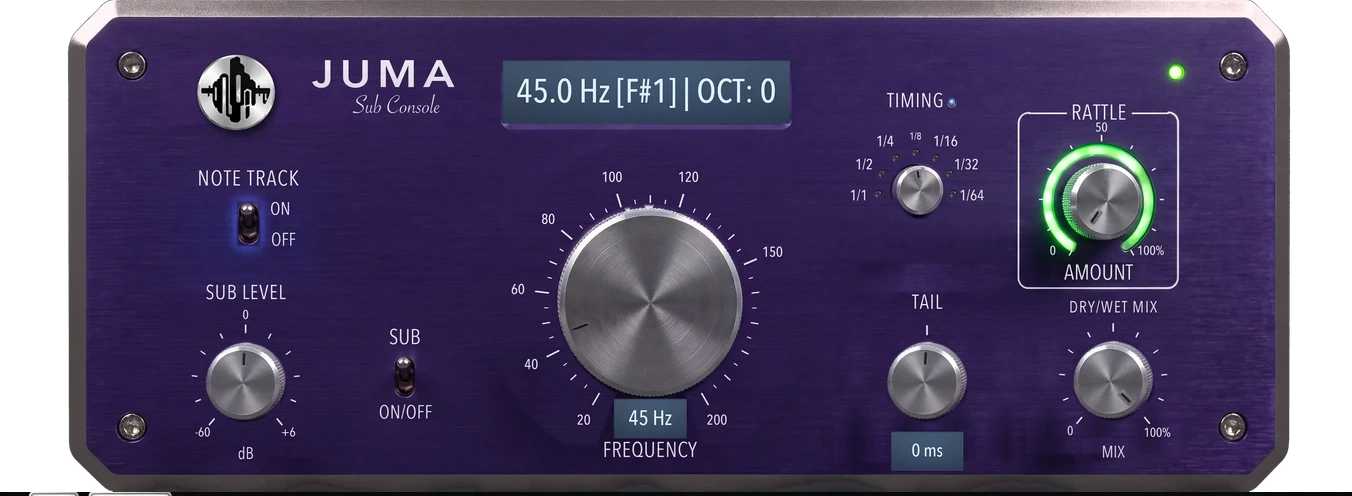
Explore unitResonant low-frequency enhancement, gate controls and True-P output protection.
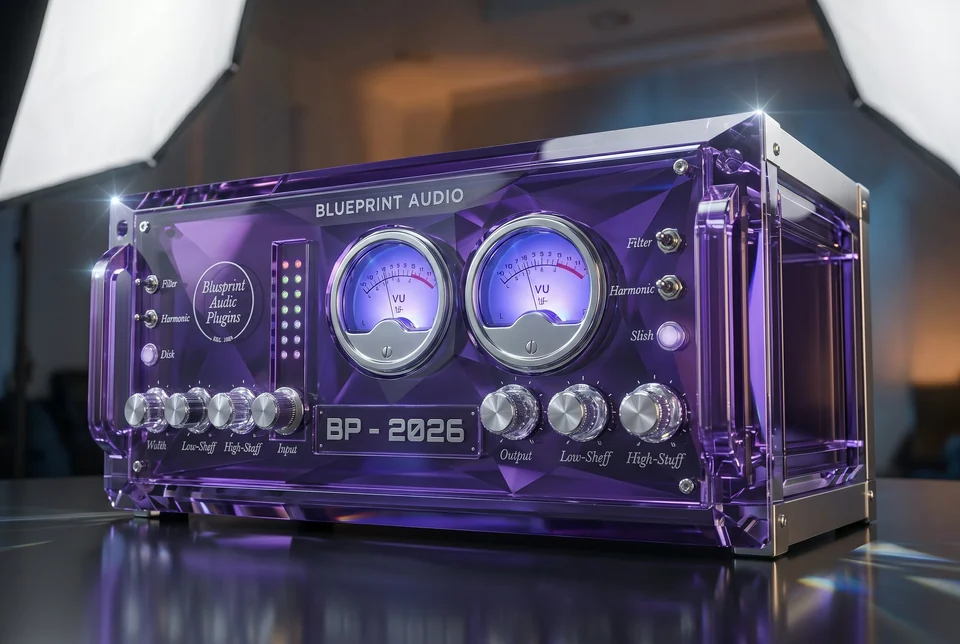
Explore unitParallel stereo width, side-signal shelves and harmonic controls.
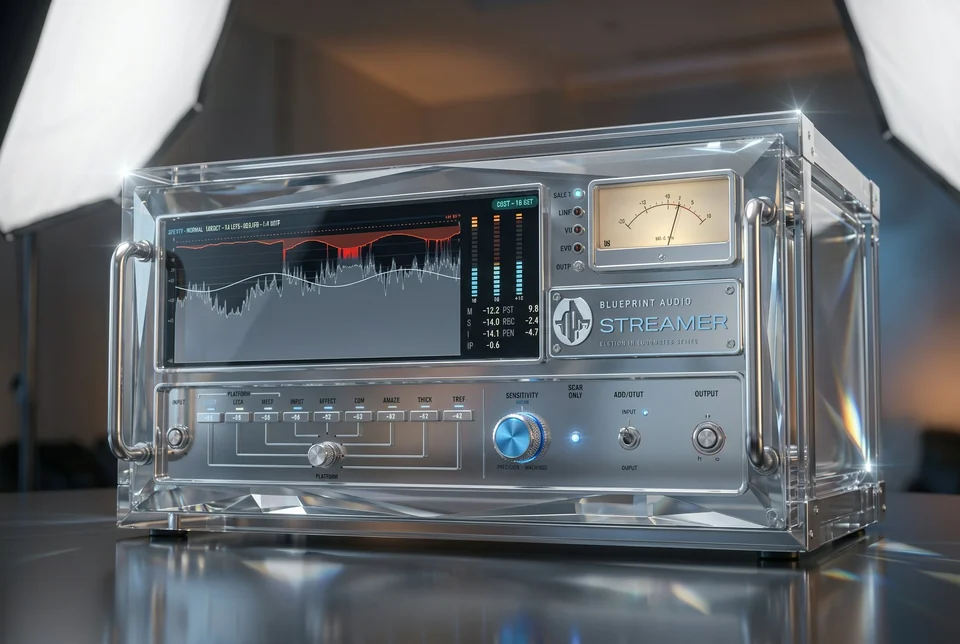
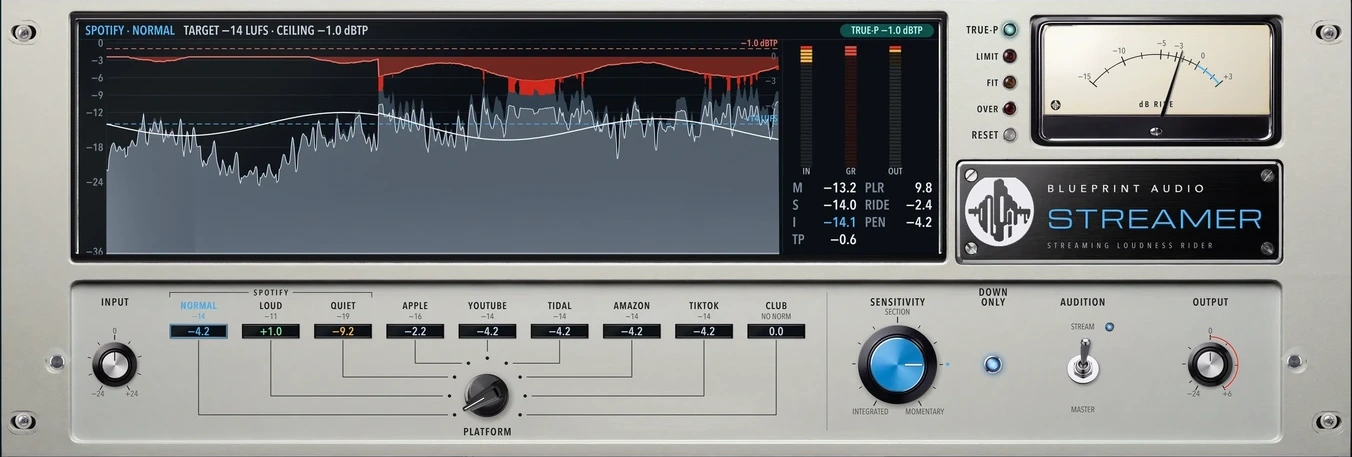
Explore unitReal-time BS.1770 LUFS telemetry, nine platform targets, and dynamic loudness rider.
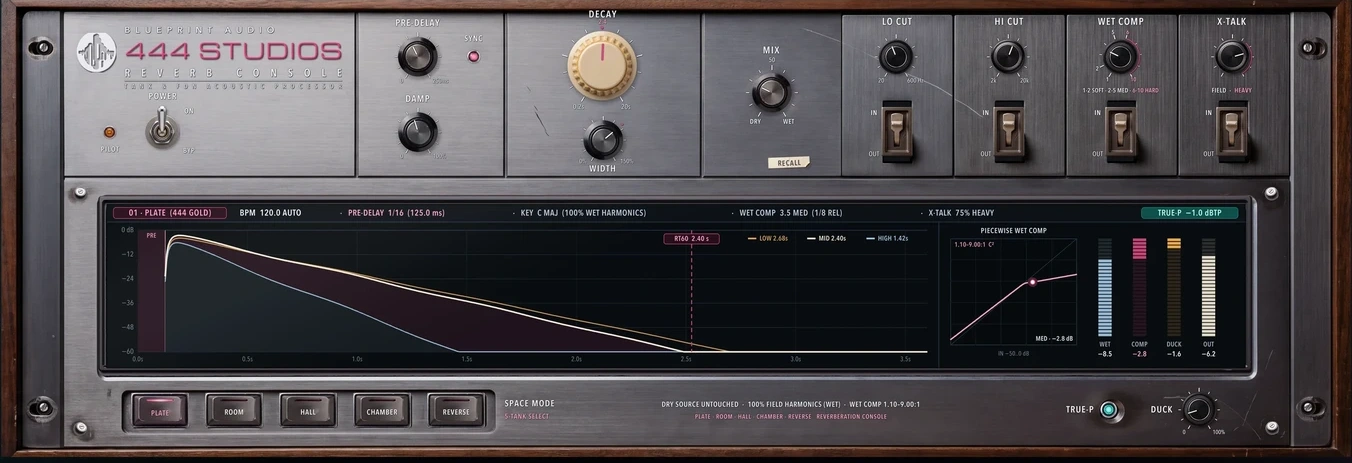
Explore unitFive reverb modes with decay, tone, modulation and stereo controls.
Explore unit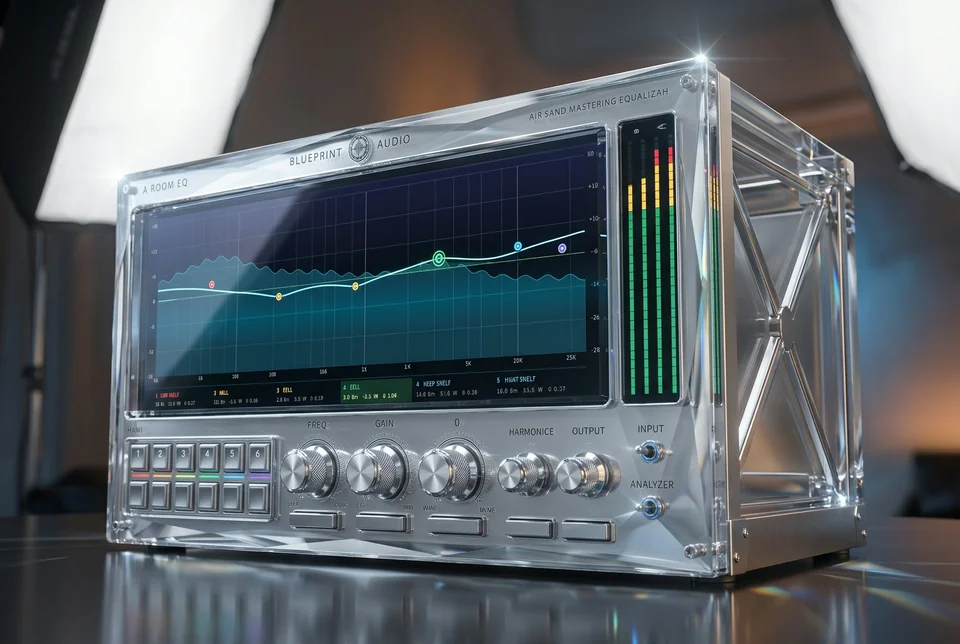
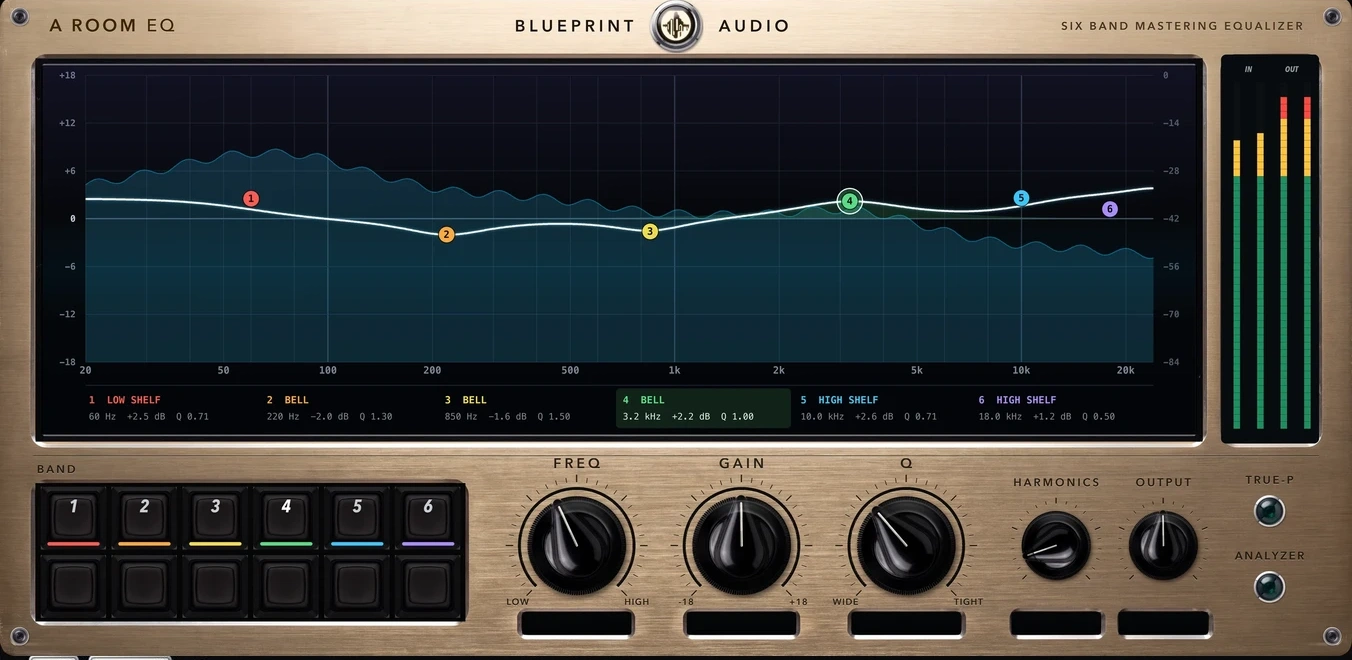
Six-band parametric EQ, interactive curve with input/output spectra, and harmonic saturation.
Coming soon to Hub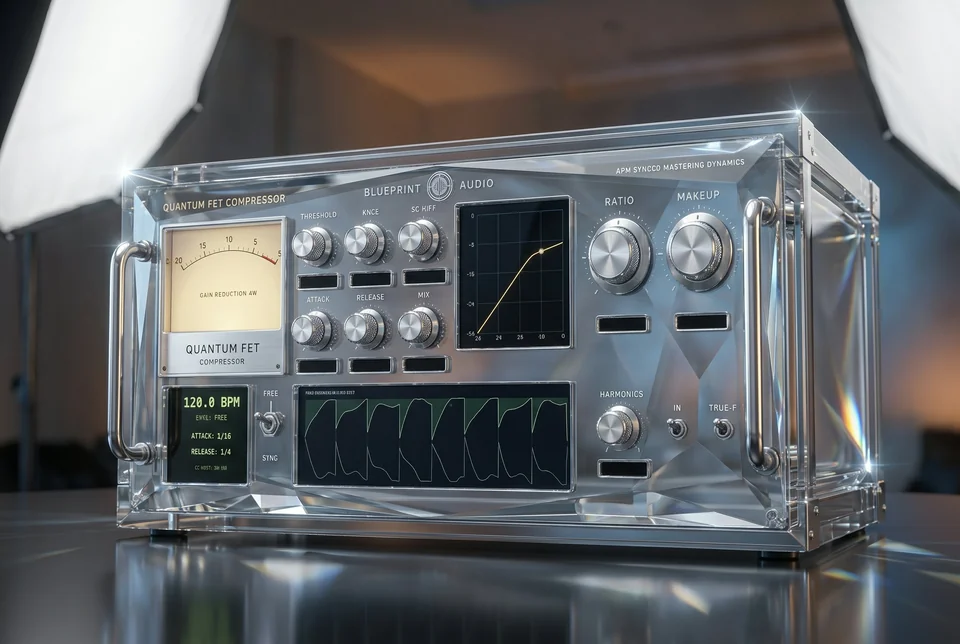
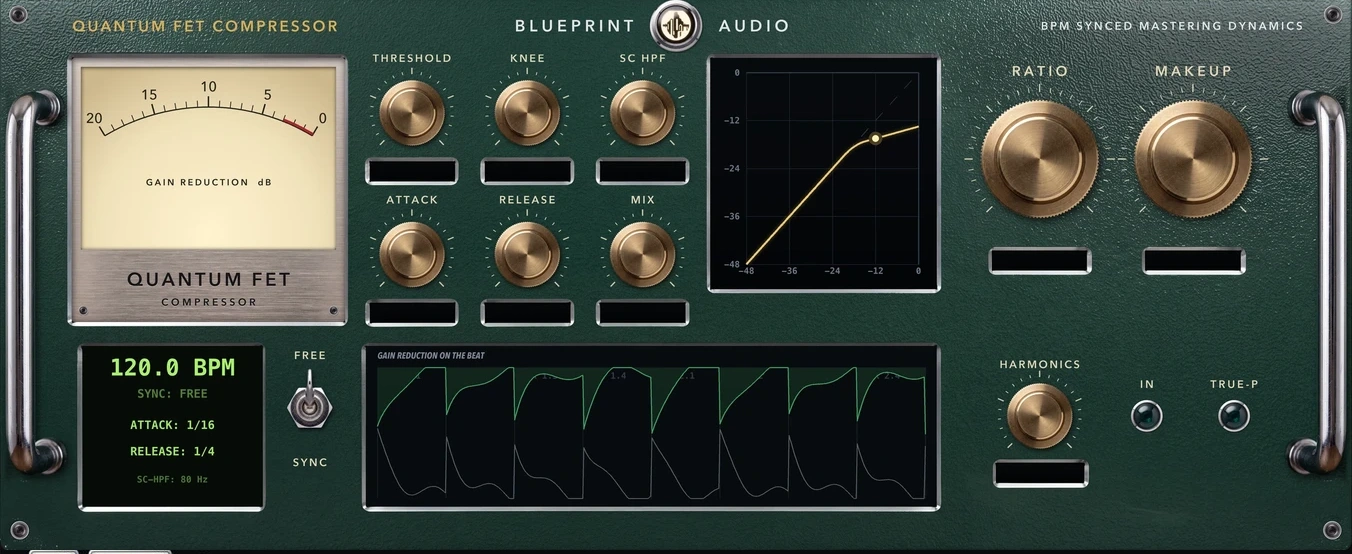
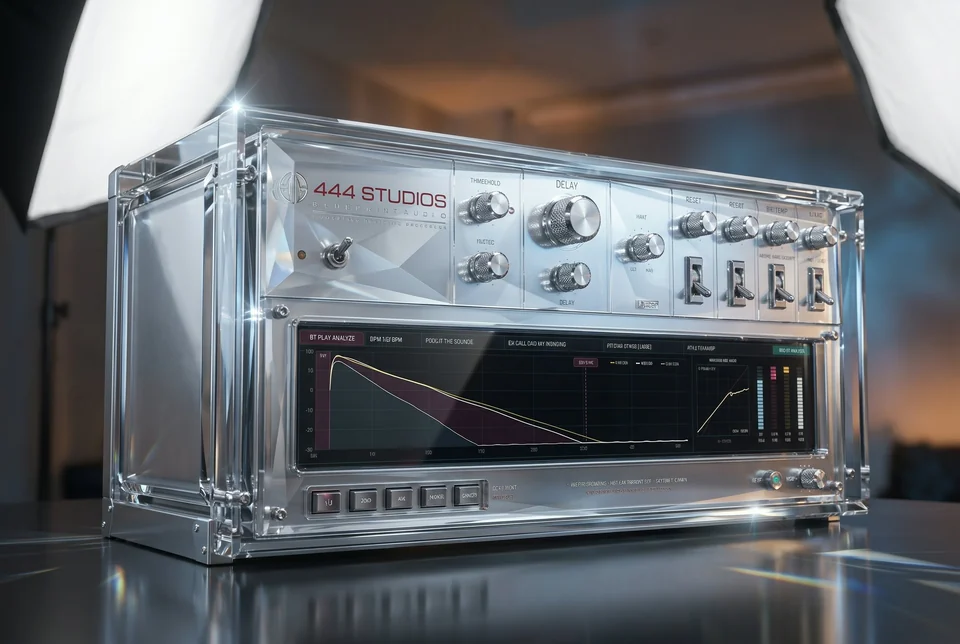
Free or tempo-synced timing, variable sidechain HPF, and gain reduction needle.
Coming soon to Hub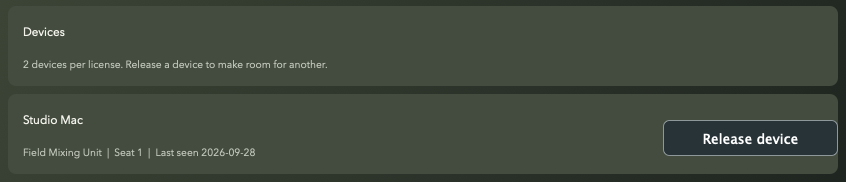
Devices
Each license runs on two Macs. When you change machines, release the old one in the Hub and activate the new one. No support ticket needed.
How it works
Already have a Blueprint account from checkout? Skip straight to step two.
One account for the website and the Hub. Create an account
Install it once from the Downloads page.
Your units install and are ready in your DAW and as standalone apps.
SAS Integration · In Development
In development: when SAS (Scaffolding Audio Software) ships in a future Hub update, each owned unit will include a Unit Passport displaying your qualified studio hours, evolution controls, and signed backups. Feature-flagged OFF in the current release.
Questions
Looking for macOS version support, DAW host qualification, or family release notes? See Compatibility & Release Notes.
Yes. It comes with your Blueprint account, whether or not you own a unit yet.
You use it to install and update your units. Once installed, they run in your DAW and as standalone apps on their own.
Installing, updating and managing devices need an internet connection. Installed units run locally in your DAW or standalone host; see your download notes and the EULA for licensing terms.
Standalone, AU and VST3 versions update right inside the Hub. Pro Tools (AAX) versions update through the full Blueprint installer, which the Hub points you to.
Close your DAWs and any Blueprint standalone apps first. The Hub reminds you if something is still open.
No. There is no Windows release date, and nothing is sold for Windows.
Free with your Blueprint account. Download it once and every unit you own is a click away.
Native macOS Control Center
Manage installations, release device seats, inspect checksums, and prepare for upcoming VibeCode DSP developer runs inside Blueprint Hub.
Get every released Blueprint console, vocal tuner, reverb, sub engine, and loudness unit with All Access Monthly ($29.99/mo)—plus single-plugin 14-day free trials.
Bring your AI-assisted JUCE/CMake source projects or supported macOS builds into Blueprint Hub for neutral engineering checks, antialiasing, and True-P safety.
Blueprint checkout