Audio setup
Select your audio device.
Choose a CoreAudio input and output device in the standalone audio settings. Device and buffer settings affect round-trip latency.
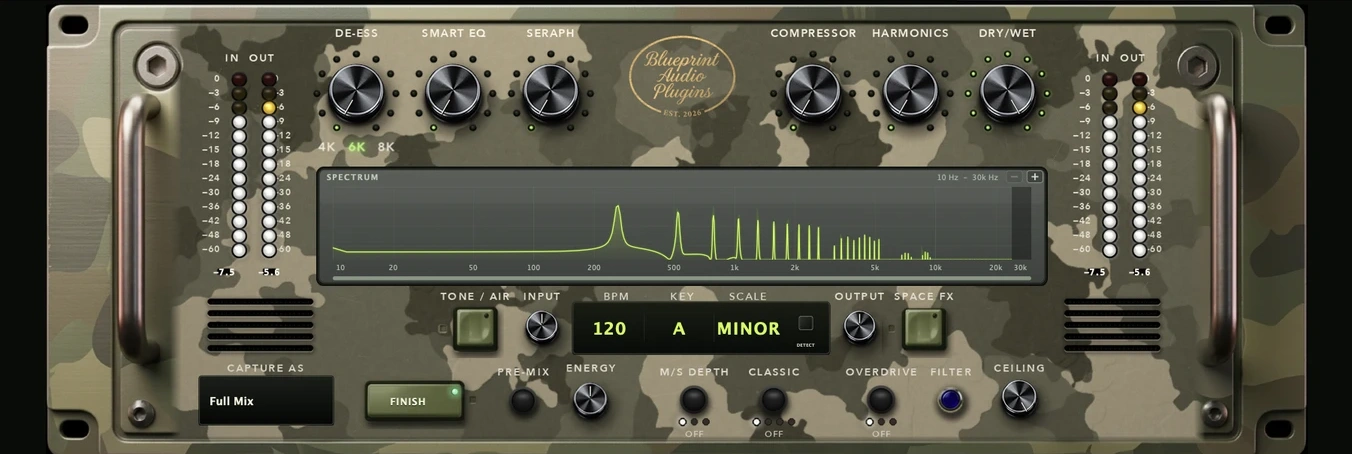
Eight capture profiles, pitch correction, and tone shaping for tracks and mixes.
Step inside Field Mixing Unit from any track or stereo bus. Shape transients across eight capture profiles, blend five tone engines including Harmonics, track pitch with SERAPH, and verify every transition against True-P ceiling protection.
Learn more about Field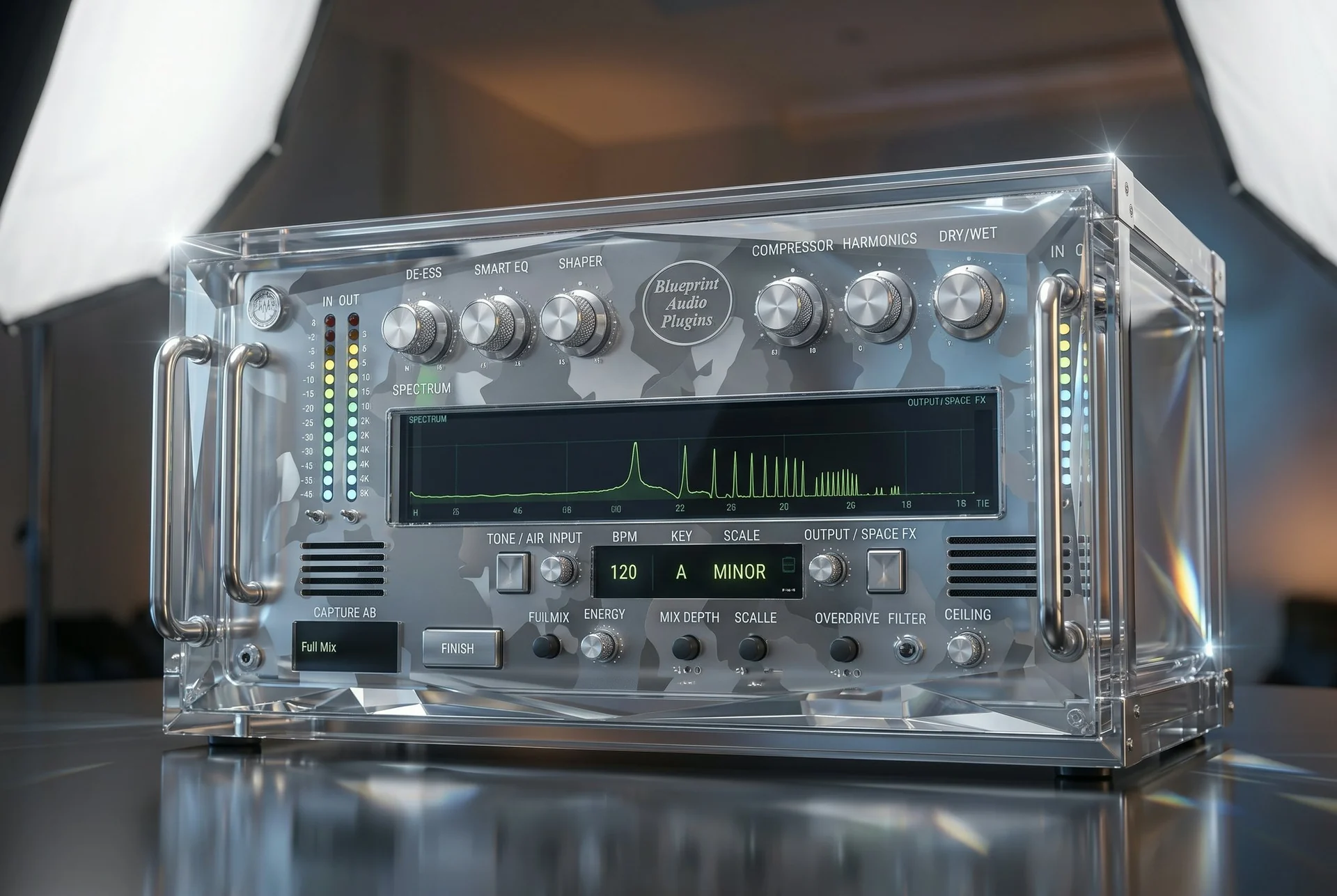
 E1
AAX · AU · VST3
Now Viewing
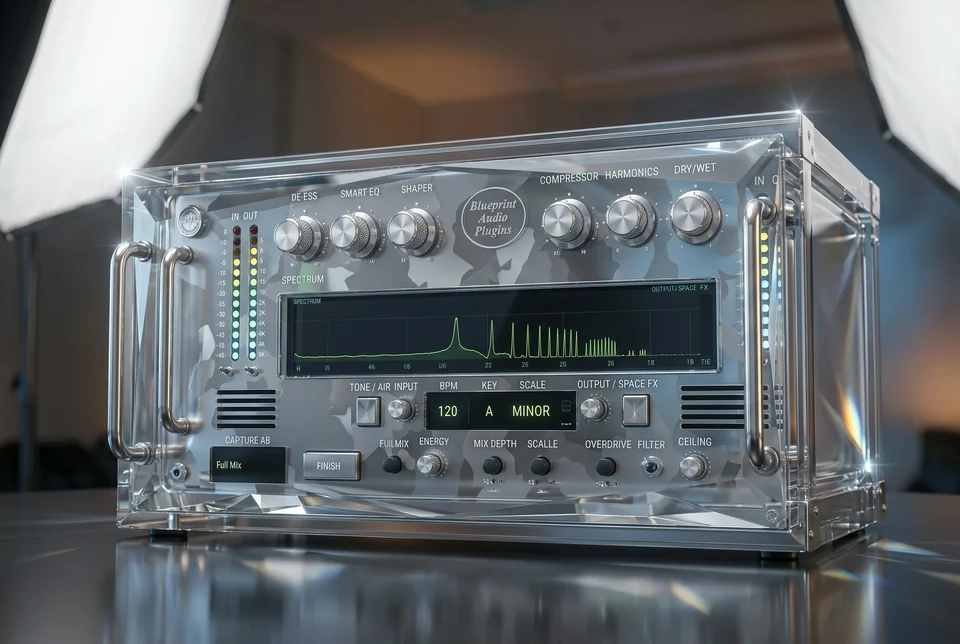
Eight capture profiles with pitch correction and tone shaping for track mixing.
 E2
Retune · Scale
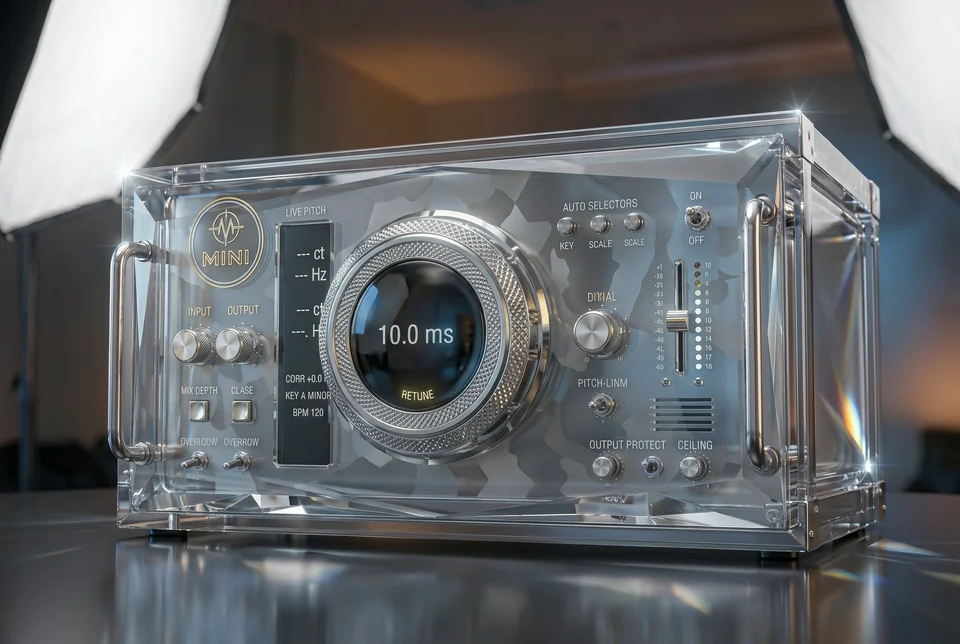
Tune vocals by feel. One big dial, natural vocal tracking, and instant key detection.
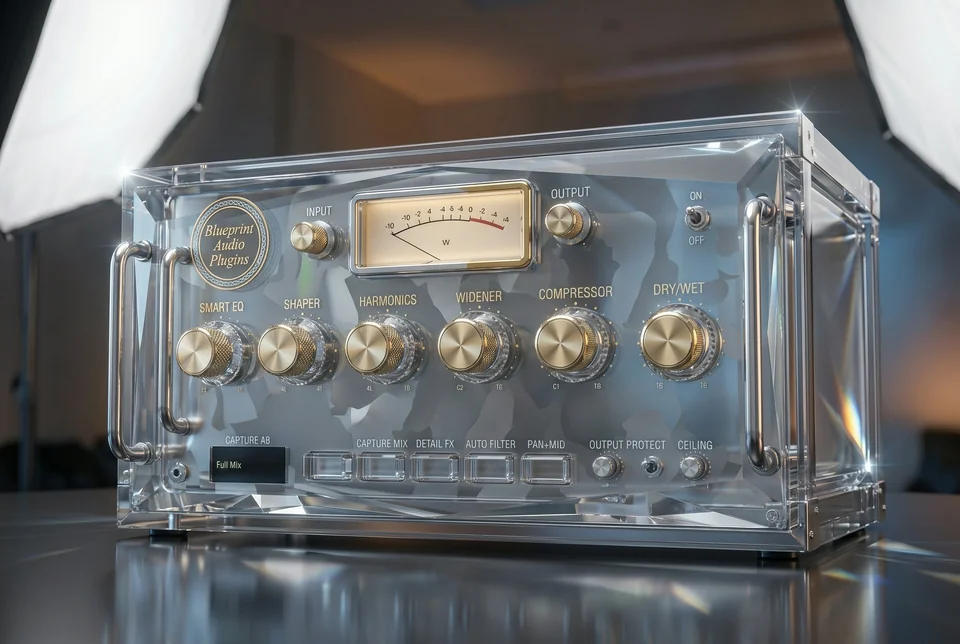 E3
5 Stages · Tube
Five tone stages, real cream VU meter, and knurled gold controls for master bus finishing.
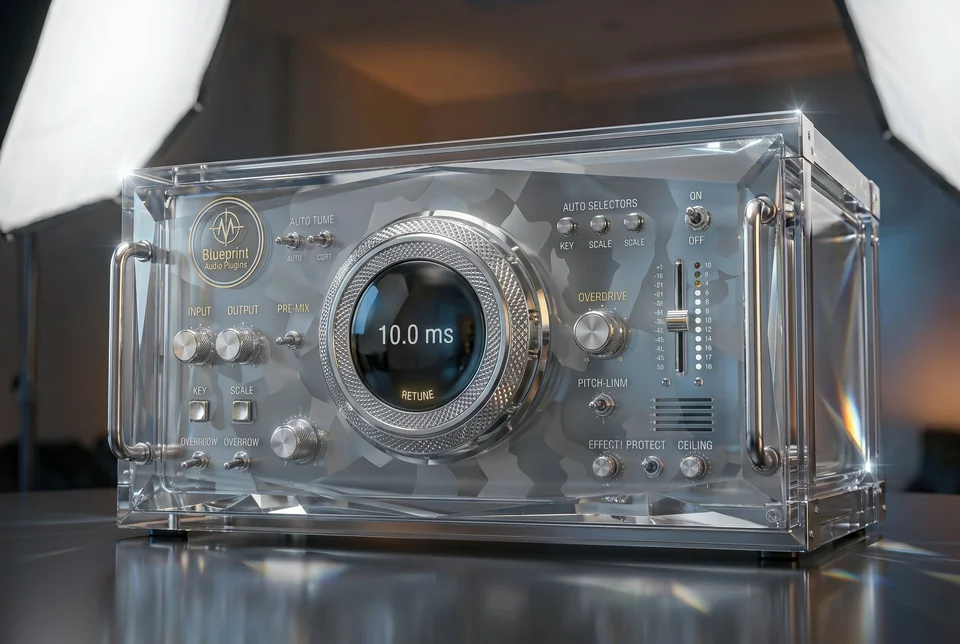 E4
Overdrive · Preview
The Deluxe finish with a Mini workflow: Retune dial, Pre-Mix shaping, and analog Overdrive.
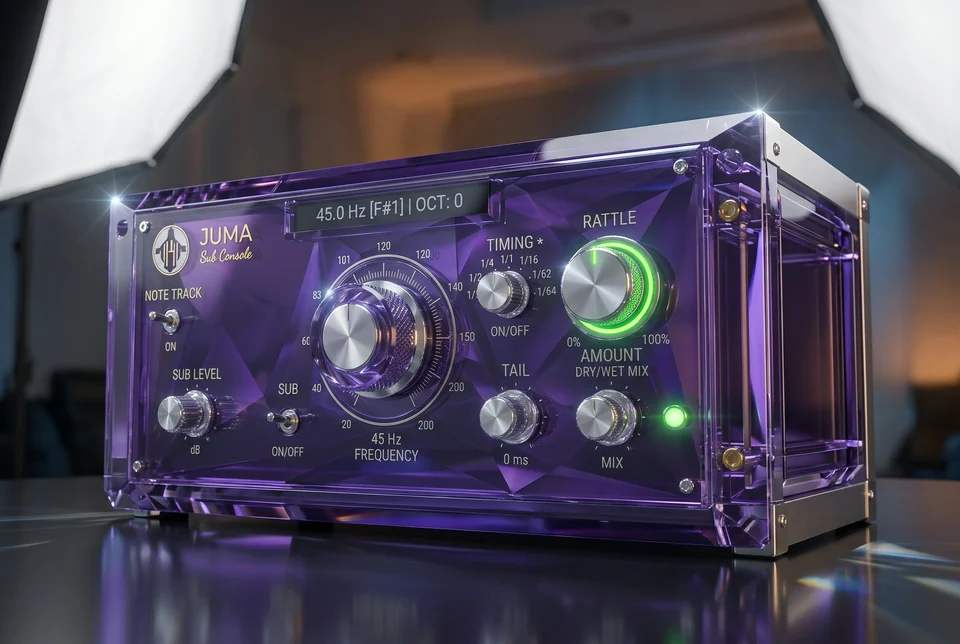 E5
20–200Hz · 808
Resonant bass enhancement with note tracking, a dynamic gate, and True-P protection.
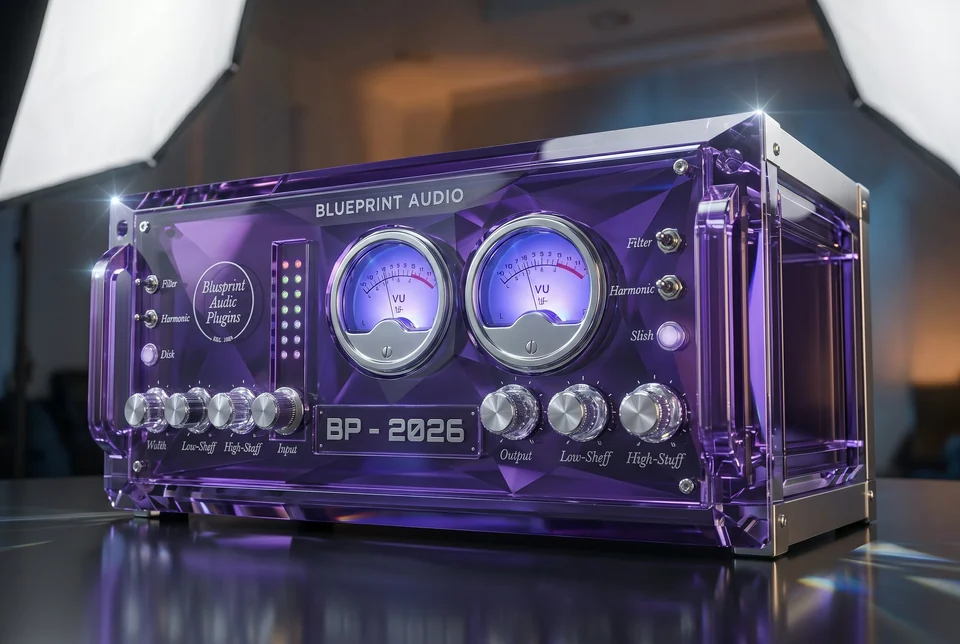 E6
Parallel M/S
Parallel stereo width, side filtering, shelves, and twin illuminated VUs.
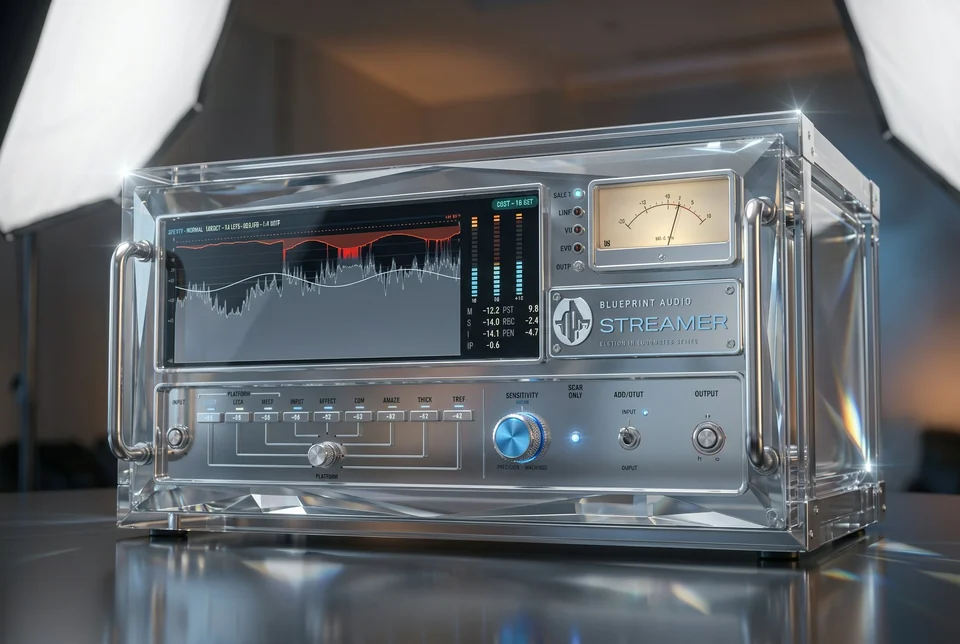 E7
9 Targets · BS.1770
Hear what the platform will do before it does it. 9 streaming targets and real-time LUFS telemetry.
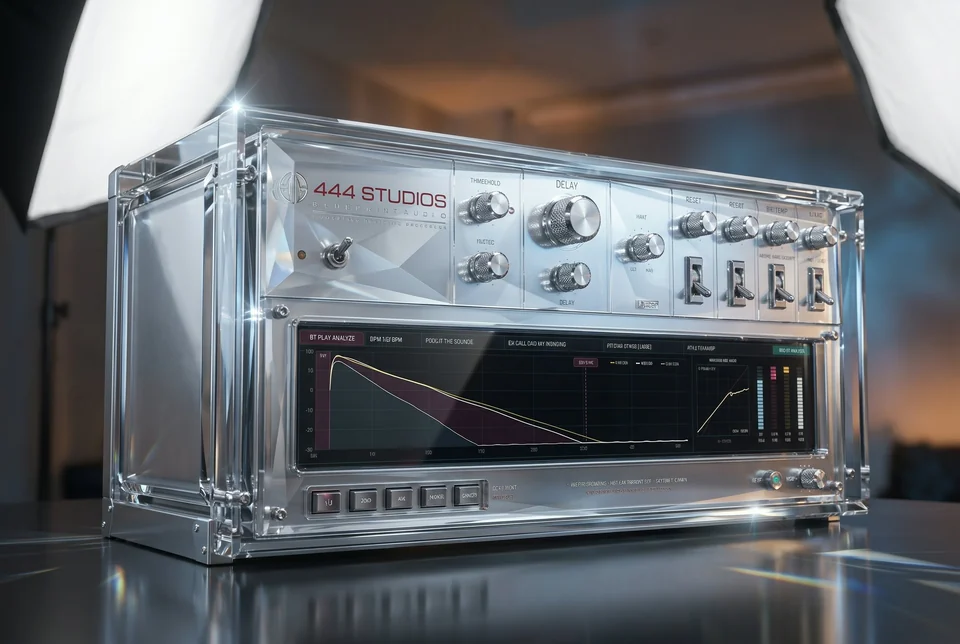 E8
5 Spaces · Ducking
Separate dry path, five reverb spaces, and dry-keyed ducking.
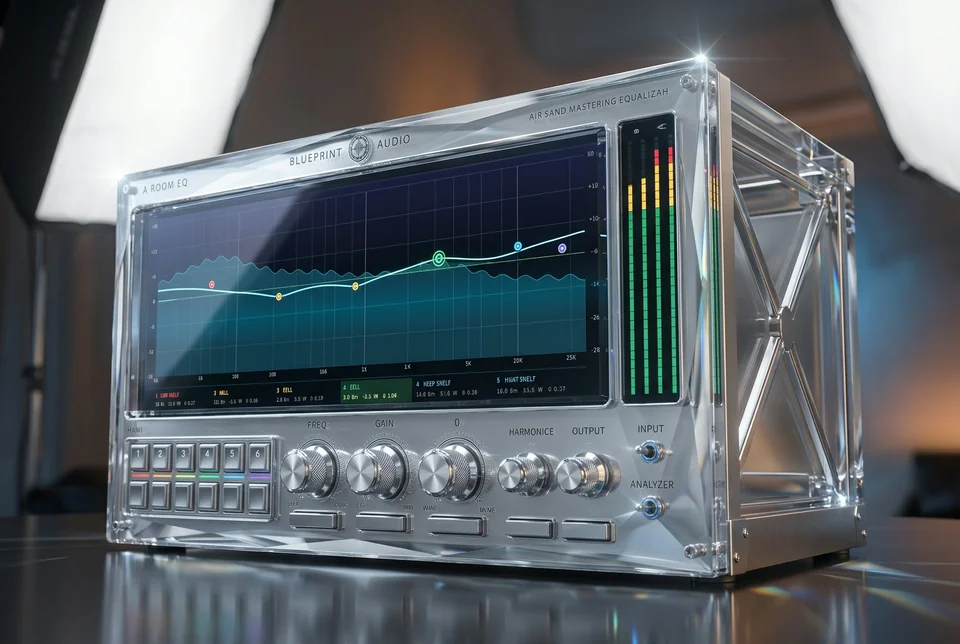 E9
6 Bands · Spectrum
Six parametric bands, an interactive curve display, and input/output spectrum views.
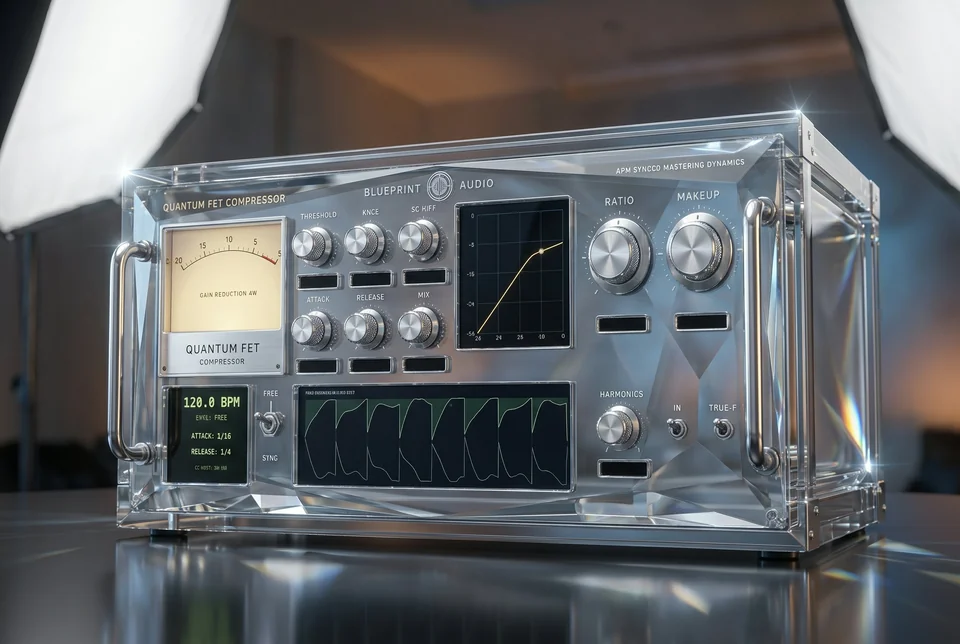 E10
Tempo Sync · True-P
Tempo-synced compression, a variable sidechain filter, continuous knee, and adjustable harmonic color.
Field Mixing Unit / Audio demos
Published Field recordings appear below when the audio player loads.
Field Mixing Unit / Before and after
Press play, then switch between Before and After whenever you like. Both versions play in sync so you can compare what Field Mixing Unit changes.
Standalone application · macOS
The standalone application includes file import, playback, and export. In a DAW, use the plug-in on a track or bus. Check Downloads for available packages and their system requirements.
Choose a CoreAudio input and output device in the standalone audio settings. Device and buffer settings affect round-trip latency.
Import an audio file in the standalone application, play it through the processor, and export the result from Settings. Use your DAW’s transport when running the plug-in.
Choose the available source profiles for Capture, listen to the result, and adjust the processing by ear before exporting.
Key features
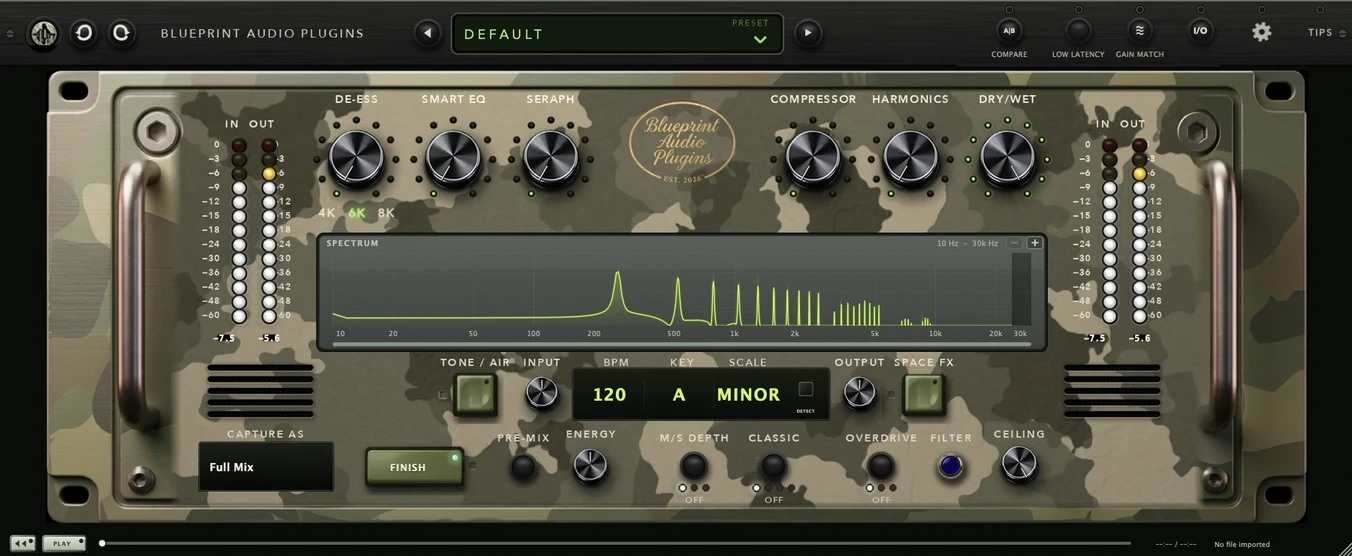
Eight Capture As profiles cover Vocal, Full Mix, Bass, Kick, Snare, Hi-Hat, Percussion and Instrument.
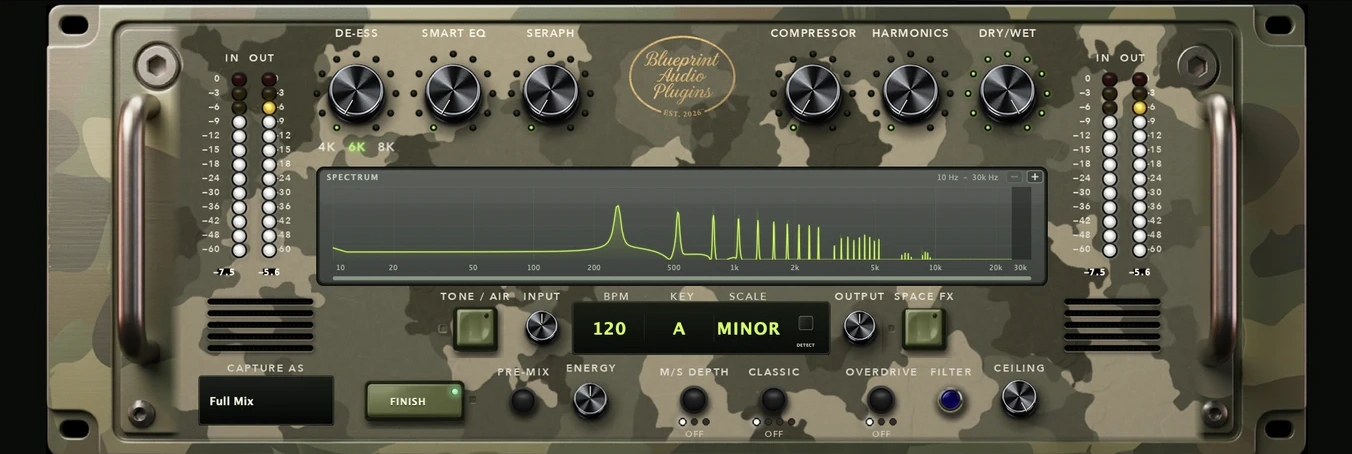
De-Ess, Smart EQ, SERAPH, Compressor and Harmonics bring tone and dynamics into one rack.
A live spectrum and BPM, key and scale detection help you work in context.
Eight source profiles: Vocal, Full Mix, Bass, Kick, Snare, Hi-Hat, Percussion and Instrument. Play the take through and Field builds its starting plan around it.
A zoomable 10 Hz to 30 kHz spectrum shows exactly what every move does.
One press reads BPM, key and scale and sets them for you.
Tame harsh S's at 4, 6 or 8 kHz without dulling the vocal.
Source-aware tone shaping, then high-frequency lift that tightens and polishes the top end.
Adjust compression and harmonic color to suit the track. With I/O Link active, the INPUT knob drives the harmonic stage from 0% to 100% while keeping net level unity.
Adjust the output level while monitoring True-P output protection.
In 0.1.11, the Standalone application displays the full CAPTURE AS, FINISH, PRE-MIX and ENERGY bottom row, while the DAW Plug-in view moves M/S DEPTH and CLASSIC into the bottom row with zero panel gaps.
Field Mixing Unit / The flagship
Pick a feature to zoom in on the faceplate.
| Capability | Field Mini | Field Mixing Unit | Deluxe Mini Classic | Deluxe Mastering Classic |
|---|---|---|---|---|
| Monthly plan or outright license | Available | Available | Available | Available |
| Capture sources | Vocal · Full Mix | All eight | Vocal · Full Mix | All eight |
| Transparent + creative pitch correction | Included | Included | Included | Included |
| Big Retune dial + Humanize | Included | — | Included | — |
| Live spectrum + BPM / key / scale detect | Key + BPM detect | Included | Key + BPM detect | Waveform + VU |
| Tone stages | Pre-Mix · Pitch FX · Space FX | De-Ess · Smart EQ · SERAPH · Compressor · Harmonics | Pre-Mix · Overdrive (Soft / Hard) | Smart EQ · Shaper · Harmonics · Widener · Compressor |
| Classic tube + opto | — | Included | — | Included |
| Standalone · AU · VST3 · AAX | Included | Included | Included | Included |
Technical specifications
| Platform | Apple Silicon Mac. Check each available build’s macOS requirement on Downloads and Compatibility. |
|---|---|
| Formats | Standalone · AU · VST3 · AAX |
| Capture sources | Vocal · Full Mix · Bass · Kick · Snare · Hi-Hat · Percussion · Instrument |
| Tone stages | De-Ess · Smart EQ · SERAPH · Compressor · Harmonics (I/O-linked INPUT drive) |
| Output stage | True-P output protection (-1.0 dBTP default ceiling). See The Sound. |
| Metering | Live spectrum; BPM, key and scale detection |
| License | 14-day trial, monthly subscription or lifetime license. Account and billing terms are described in the EULA. |
| Release | Released: November 12, 2026 · Version 0.1.11 |
FAQ
The 14-day trial requires a card and becomes a monthly subscription unless canceled. Review the pricing and renewal terms before starting.
Yes. Choose Perpetual License for lifetime ownership with no renewal. Check Downloads for available builds before choosing a plan.
Visit Downloads for current Mac builds, or Support for help with your host.
Both versions play in sync and at the same loudness. Switch between Before and After to hear the processing.
Pricing
$0 today, then $9.99/month for Field Mixing Unit until you cancel.
Account creation is completely free ($0). Free 14-day trials require a card on file. A temporary hold checks your card and is released right away; nothing is charged for 14 days. Cancel online before the trial ends and you pay nothing.
Want both?
Both units on one monthly plan: $14.99/month.
The monthly plan auto-renews at $9.99/month plus any tax until canceled. Cancel online through your account. See Subscription Terms. See the EULA.

Why unlock just one processor when All Access Monthly ($29.99/mo) unlocks all eight released Blueprint units on two machines—or start any single unit with a 14-day free trial.
Bring your AI-assisted JUCE/CMake source projects or supported macOS builds into Blueprint Hub for neutral engineering checks, bypass alignment, and host stability.
Blueprint checkout